About this site
How it's used
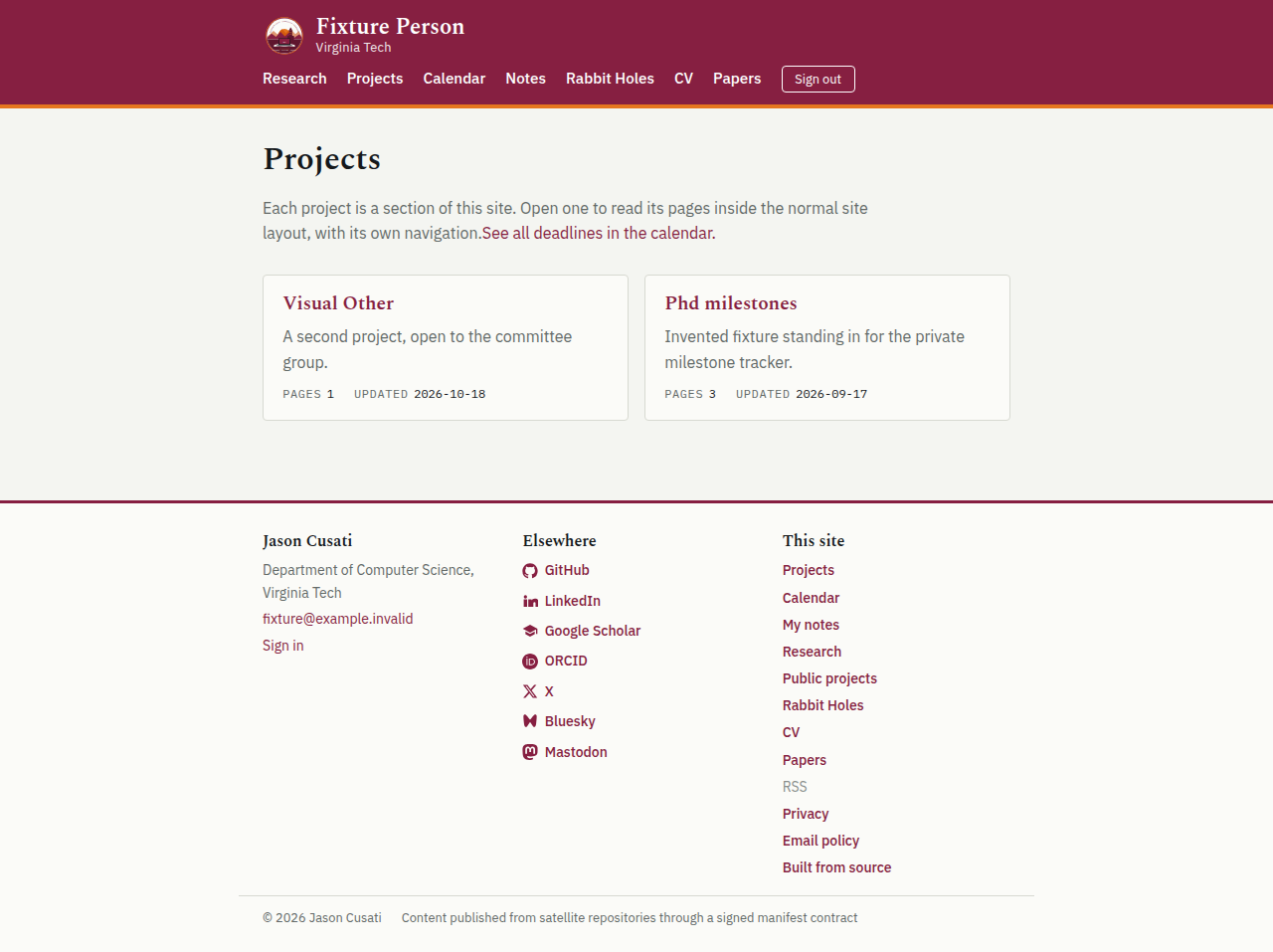
Collaborators use the same site as everyone else. Signing in adds Projects, Calendar and Notes to the main menu instead of opening a separate members' area. The owner sees one extra item: Admin.
For collaborators
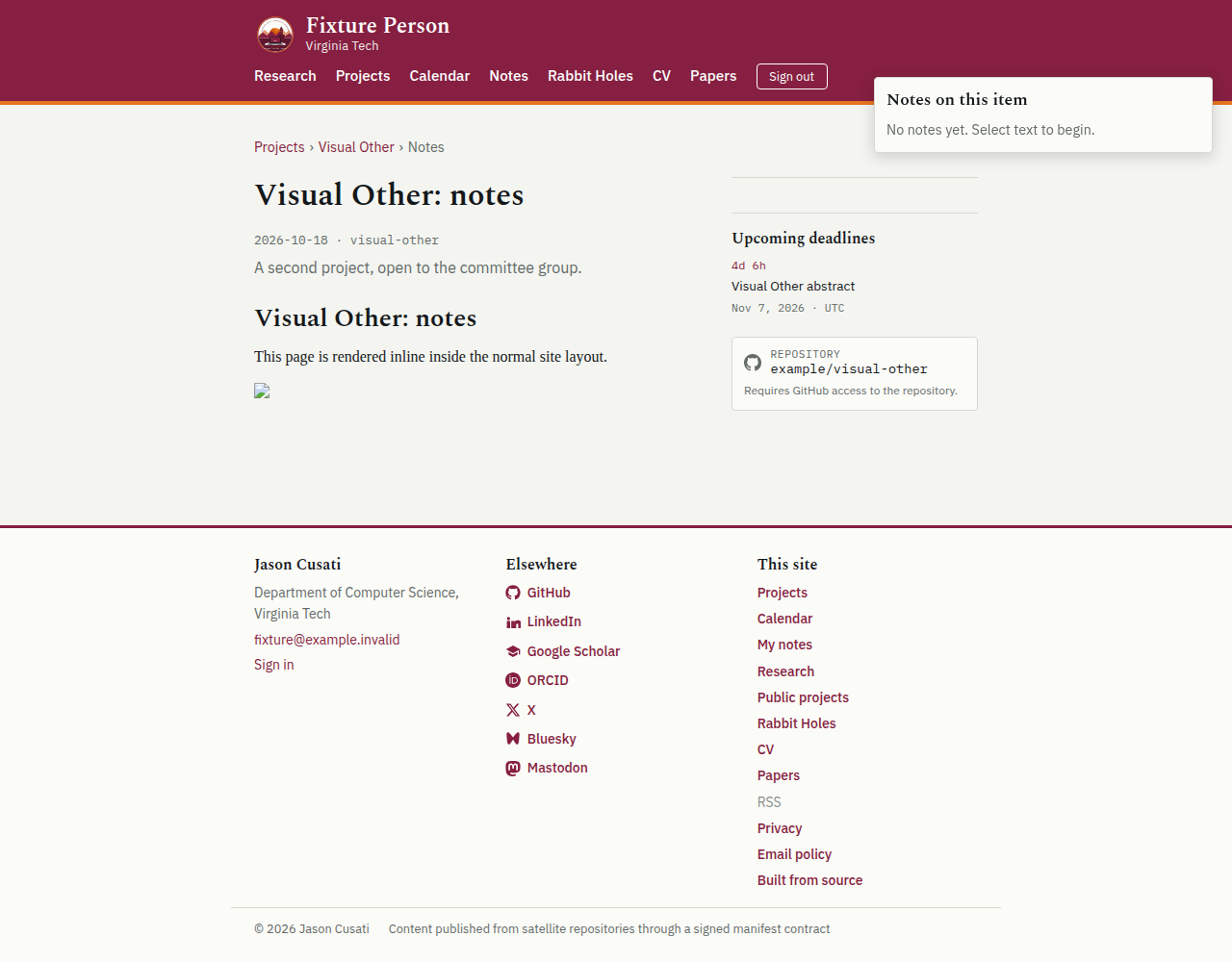
Your account belongs to one or more groups. A project is visible when your group has been granted access to it. Inside a project, the breadcrumb is the way up and the previous/next links are the way through; browser back and forward behave normally.
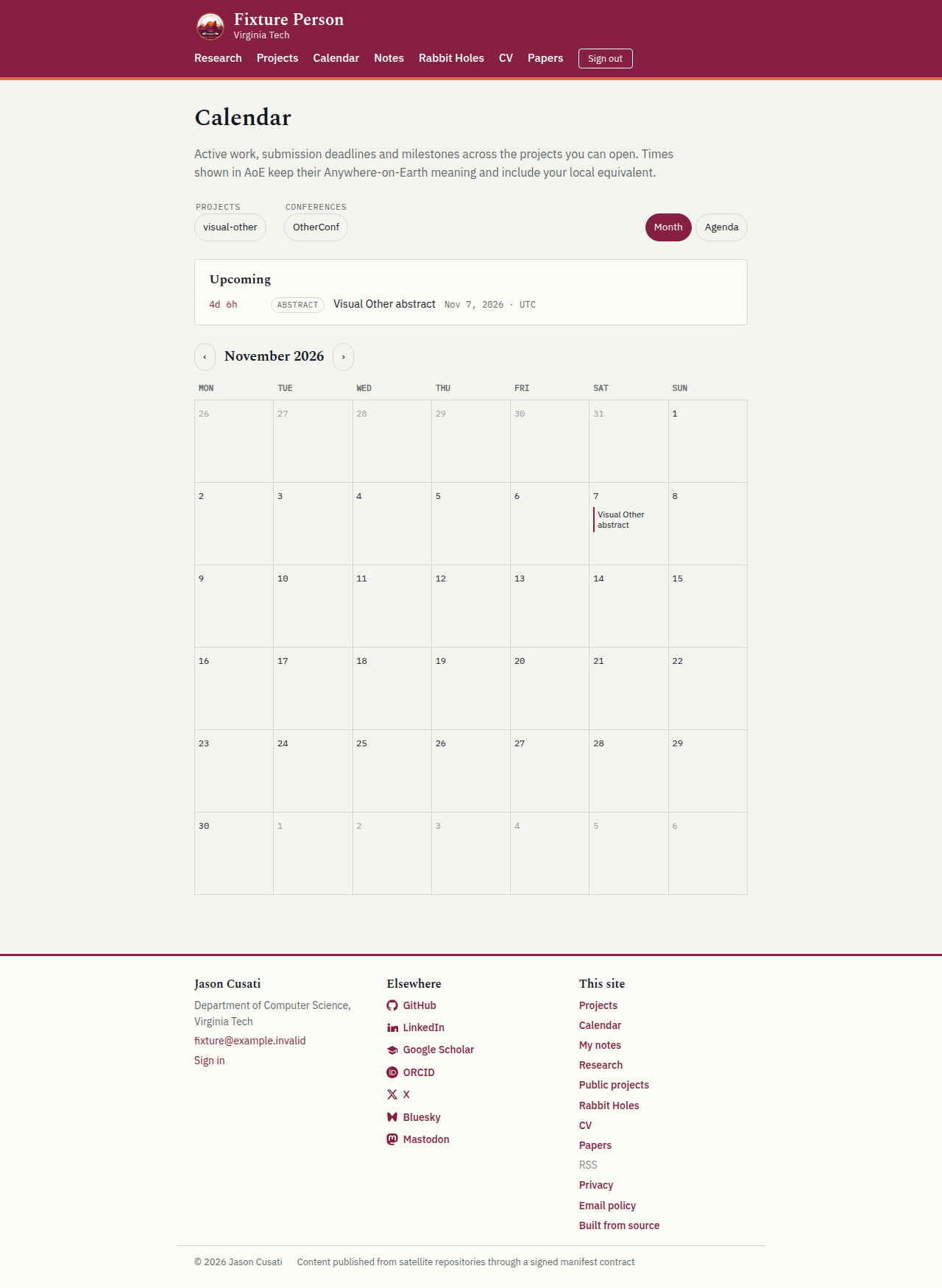
Notes are private to you. The calendar shows the deadlines and active work from the projects you can open, with filters by project.
Share links
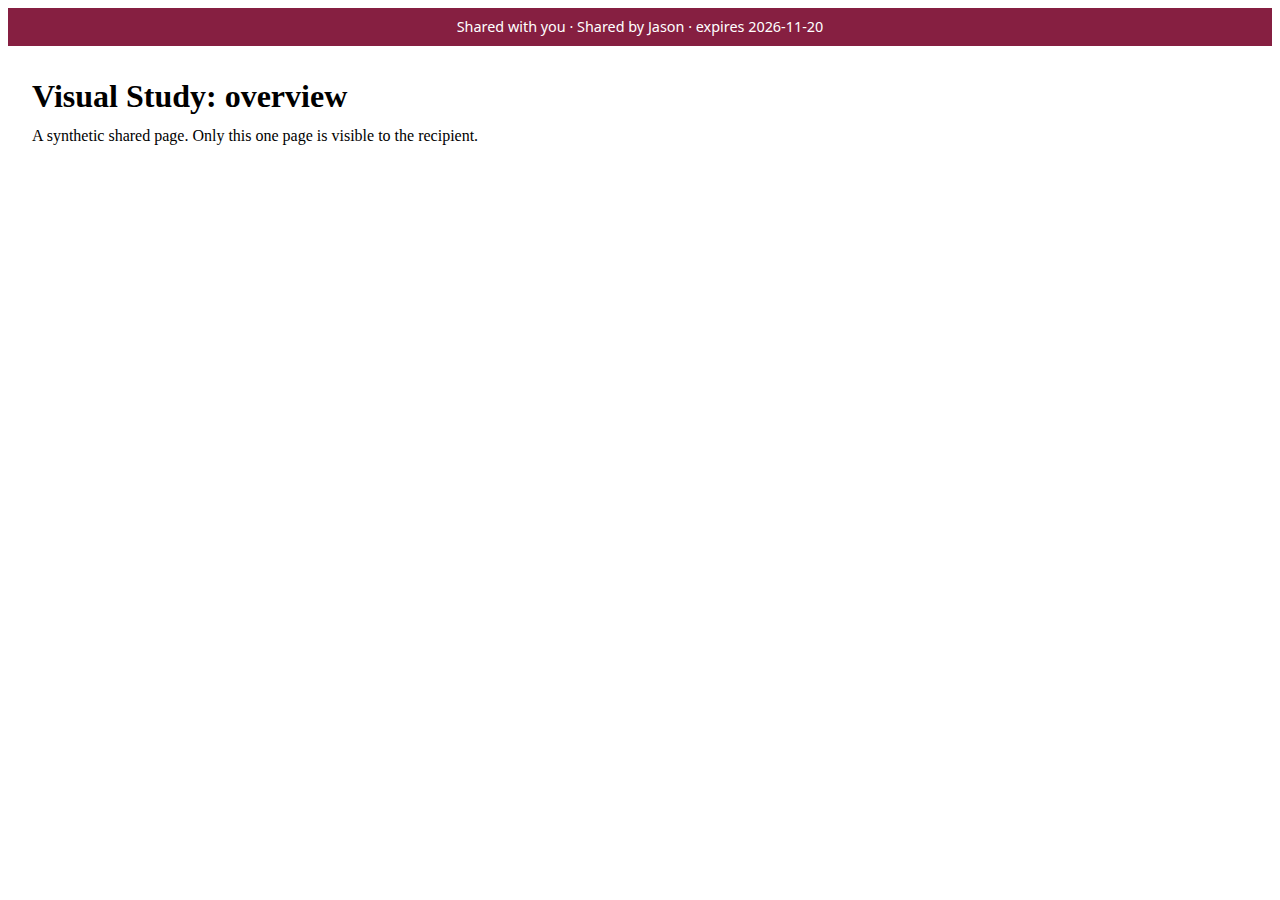
The owner can turn a single private page into a time-limited share link. The recipient does not sign in and cannot browse to anything else. The page carries a small banner naming the sharer and the expiry date, and the owner can revoke the link from Admin.
For the owner
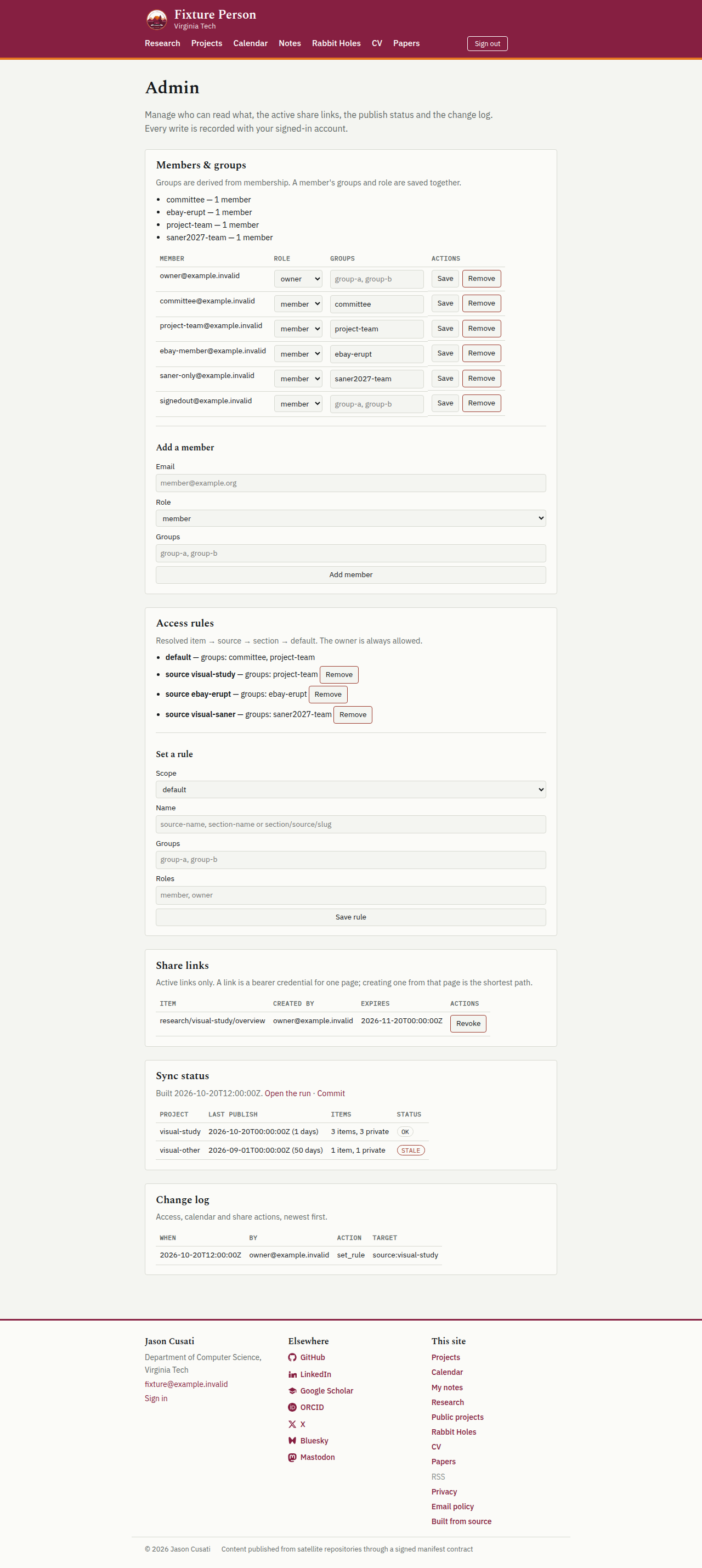
Admin has five panels: members and groups, per-project access rules, share links, publish status, and a change log that merges access, calendar and share actions. Removal actions ask for confirmation, and the owner cannot remove their own owner role.
Screens
These screens were rendered by the site's visual test from synthetic projects, groups and people. No real collaborator, project or item appears in them.